
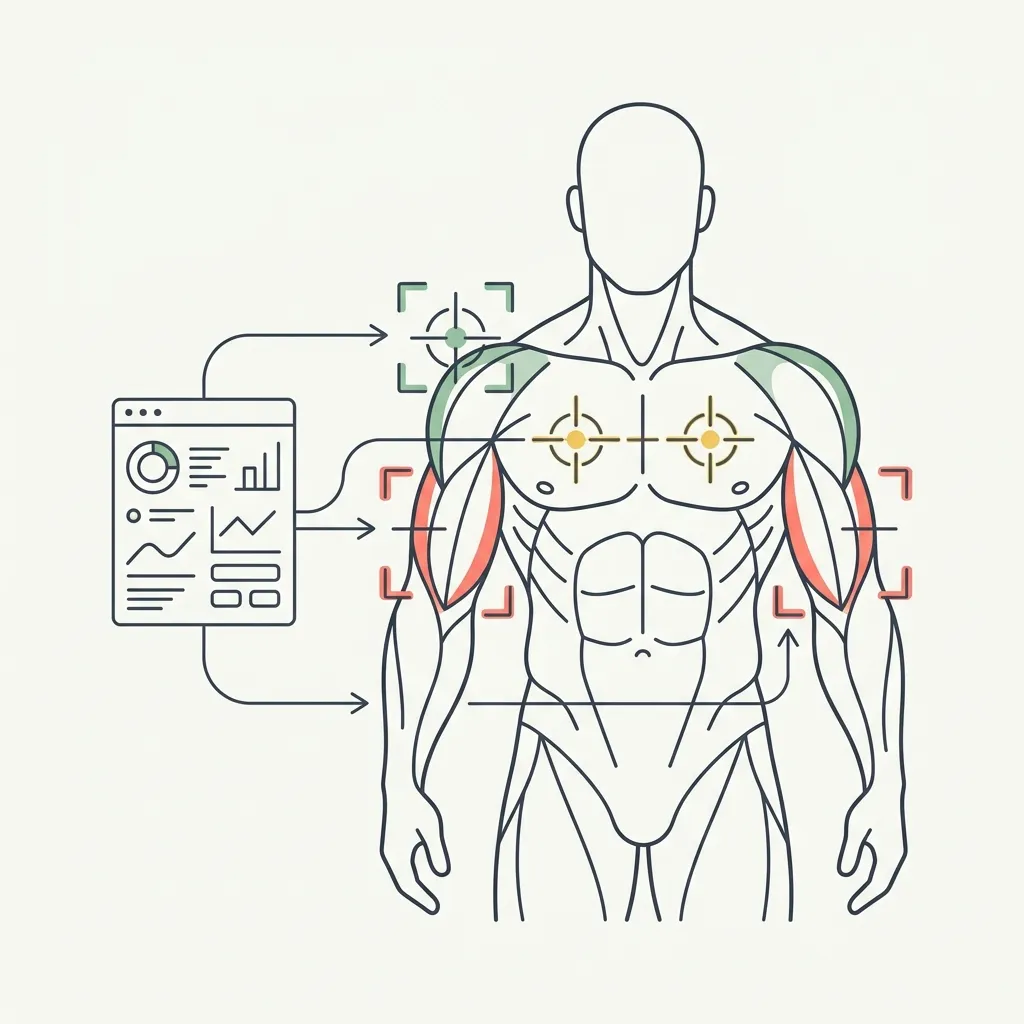
Quick answer: Target Training is live for GainFrame Pro members. Start with one or more progress photos, review scores for every visible muscle group, choose up to three focus areas, and select supplemental exercises from a library of more than 870 movements. Return monthly to recheck your photos, scores, and exercise choices.
What question started Target Training?
One of our early users finished his first physique analysis, scrolled through the muscle breakdown, and asked the question we should have answered from day one:
"Okay, so it tells me my chest and midsection need work. Now what?"
He was right. A score can show that one visible area is lagging behind another, but a score by itself does not tell you what to add to your next workout. The old version of this article described the feature we wanted to build. That feature is now live.
Target Training closes the gap between assessment and action. It starts with what the photos can actually show, lets you decide which areas matter, and gives you a short list of exercises to supplement the routine you already follow.
How does the live Target Training workflow work?
The workflow has five parts:
- Assess your photos. Select one or more saved progress photos. The AI scores the muscle groups visible in those angles. More angles can reveal more groups, but the app does not pretend to score what the camera cannot see.
- Review the muscle map. Your visible groups are sorted with observations and suggested priorities. You can review the recommendations instead of accepting a black-box verdict.
- Choose up to three focus areas. The app suggests lagging groups, but you decide which areas match your goal.
- Pick supplemental exercises. For each focus area, choose two recommendations drawn from a bundled library of more than 870 exercises.
- Recheck monthly. Return with current photos, review whether you are still doing each exercise, replace movements that do not fit, and compare the new scores with your baseline.
Score the muscle groups that are visible in the progress photos you select.
Choose up to three focus areas after reviewing the suggested lagging groups.
Pick two supplemental movements per focus area from more than 870 exercises.
Review adherence, swap exercises when needed, and compare current scores with your baseline.
Does Target Training create a full workout program?
No. That boundary is deliberate.
The feature does not decide your weekly split, set every exercise, prescribe training volume, or replace a coach. It suggests focused accessory work that you can add to an existing program. If you already use a workout planner or a coach, keep using it.
That smaller promise is more useful than pretending a photo can generate a complete program. A photo can surface a visible weak point. It cannot know your injury history, equipment access, recovery, schedule, or technique. You remain responsible for choosing exercises that fit those constraints and for getting professional help when you need it.
What does a real example look like?
Imagine your assessment shows that your upper chest is a suggested focus area. You select it, review several matching movements, and choose two that fit your equipment. Those exercises become supplemental work inside your current routine, not a replacement for the rest of your chest training.
At the monthly recheck, you can confirm whether you kept doing each movement. If one did not work for your equipment or you simply stopped using it, the app can offer a replacement. Current photos and scores are then compared with the baseline you created when you started.
That comparison is a trend signal, not proof that one exercise caused the change. Posing, lighting, body fat, and photo angle can all affect a visual assessment. Consistent photos make the recheck more useful, and your training log still matters.
Who can use Target Training?
Target Training is a Pro feature in the iOS app. Pro costs $5.99 per month or $39.99 per year. The assessment uses AI estimates from photos, not a clinical measurement, and it only evaluates muscle groups visible in the selected images.
The useful part is the closed loop: assess, choose, train, and recheck. You get a concrete next step without handing your entire program to an image model.
Turn your next assessment into a training focus
GainFrame Pro scores visible muscle groups, lets you choose up to three priorities, suggests supplemental exercises, and brings you back for a monthly recheck.
Download GainFrame Free