Use a clear photo
Front-facing, even lighting, with your torso and legs visible. Fitted clothing or normal progress-photo attire reads best.
GainFrame estimates your visible proportions, shows your biggest opportunity, then lets you choose exactly which areas to make smaller or larger in a new AI image.
Upload my photo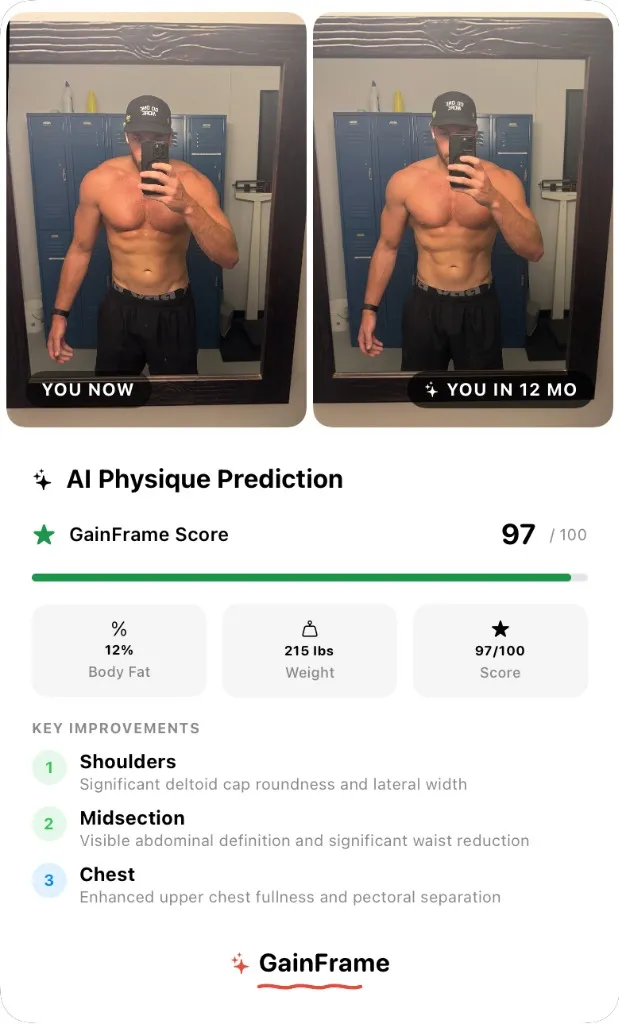 PhotoAI preview
Upload once. GainFrame estimates your visible proportions, suggests a starting area, and lets you control exactly what the preview changes.
Use a clear photo of yourself in fitted workout clothing, with your shoulders, waist and upper thighs visible. Use even lighting and include only yourself.
Privacy: photo sent to the AI service for the render call only · Never stored, never used to train models.
Front-facing, even lighting, with your torso and legs visible. Fitted clothing or normal progress-photo attire reads best.
Select shoulders, chest, waist, arms or legs. The preview leaves every unselected region as close to the source photo as possible.
The estimate and generated image are motivational guides, not exact measurements, medical advice or a promise of results.