
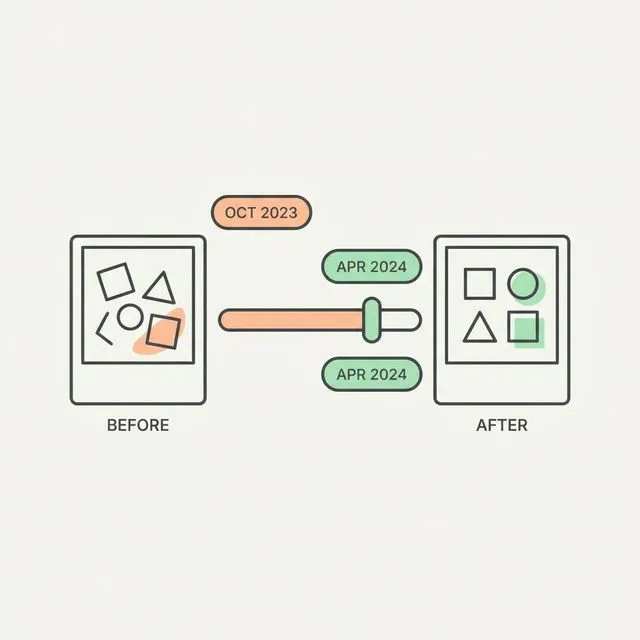
You have been training for six months. You are lifting heavier than when you started. Your clothes fit differently — certain jeans are looser in the waist, tighter in the glutes. The scale is up two pounds from where you began, but everything looks different.
Now try to document that with the apps the fitness industry built. MyFitnessPal will log your calories and tell you nothing about your body. Strong will record your lifts and tell you nothing about your body. The generic before-and-after collage app will stitch two photos together with no alignment, no data, and no understanding of what actually changed.
The problem is not your progress. The problem is that the tools were designed around a different goal — one that does not match what most women are actually doing.
Why Most Fitness Apps Miss Women's Transformation Goals
The mainstream fitness app ecosystem was designed around a male bulk-cut cycle: eat more and gain mass, then eat less and reveal it. The metrics that matter in that context are mostly about scale weight and total muscle volume. Track the bench press max, track body weight, repeat.
That framework does not map cleanly onto body recomposition — which is losing fat while building lean muscle simultaneously. Recomp is not a compromise between bulking and cutting. It is its own goal, and it is what many women are actually chasing: a physique that is leaner and more defined, not necessarily lighter on the scale and not necessarily bigger in overall muscle volume.
The other significant gap is postpartum tracking. Returning to training after having a child involves a genuinely different set of benchmarks. The areas that matter — core recovery, hip width changes, waist circumference — are not the default metrics in apps built for someone optimizing a deadlift PR.
And then there is the composition threshold issue. Female body fat percentage norms are different. The ranges that signal leanness, athletic fitness, and excess body fat are all shifted relative to male ranges. An app that flags your body fat percentage without understanding female physiology is not useful — it is misleading.
What Makes a Great Women's Transformation Photo
The mechanics of a useful before-and-after photo are slightly different depending on where your transformation is happening. For women tracking body recomposition, the changes tend to show up first in the waist, hips, thighs, and glutes — not primarily in the chest and shoulders the way many male-centric guides assume.
This has practical implications for how you take the photos:
- Alignment at the hips and waist, not just the shoulders. If you align the comparison photos at shoulder height, a meaningful reduction in waist circumference can look negligible. Align at the hip line and the changes become visible.
- Side pose captures what front and back cannot. The side profile is where waist-to-hip ratio changes, glute development, and core definition show most clearly. It should be a standard part of every check-in, not an afterthought.
- Consistent lighting matters more for skin and leanness changes. As body fat decreases, the visible texture of the skin changes. Harsh overhead lighting will make you look leaner than soft diffused lighting — not because you are, but because shadows are more pronounced. Lock in your light source and do not vary it.
- Front, side, and back at every check-in. Glute and hamstring development is invisible from the front. Back definition appears in neither front nor side. You need all three to have a complete picture of what changed.
The Apps, Ranked Honestly
GainFrame
GainFrame does not have gender-locked features. The app works for women because the core functionality — pose-organized photo library, body fat percentage trending, lean mass tracking, shareable cards — is useful regardless of your specific goal. There are no "women's mode" switches. There is just a tool that tracks the things that matter for body composition.
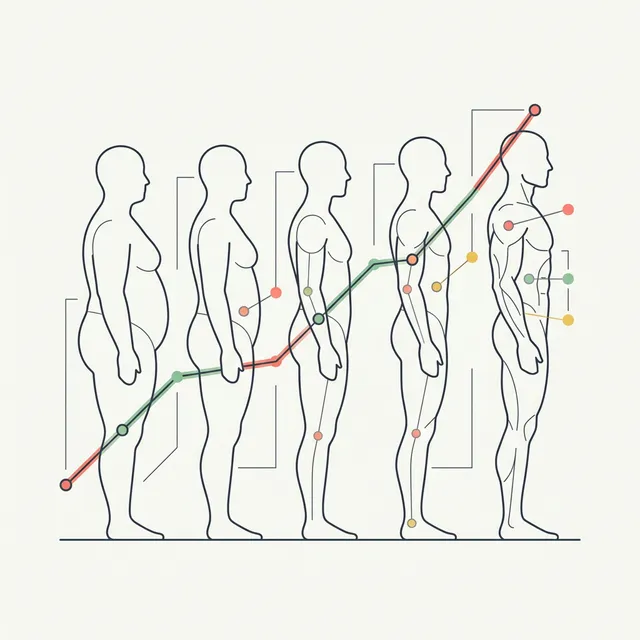
The specific features that make it relevant for a female recomposition goal: body fat percentage is estimated from your progress photos, and the app tracks how that number trends over time rather than just showing you a single reading. Lean mass is tracked alongside fat mass, so you can see what the scale cannot tell you — that you lost two pounds of fat and gained 1.5 pounds of lean tissue, which is exactly what recomp looks like when it is working.
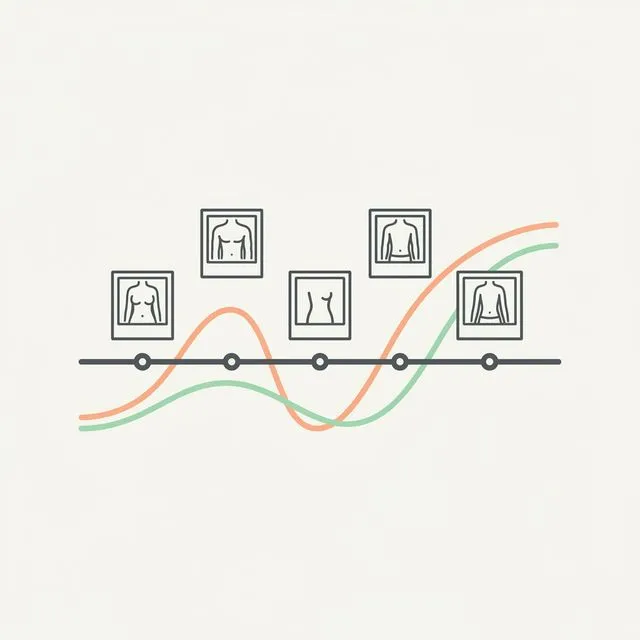
The pose-organized photo library means when you want to look at your hip and waist progress specifically, you are not scrolling through a camera roll. You tap the side pose and see every side pose photo you have ever taken, sequenced chronologically. The comparison tool aligns them so you are not guessing whether the angle changed between shots.
The shareable cards include your body composition data alongside the photos — body fat percentage, lean mass, the trend direction. When you post your progress, you are not posting two photos and asking people to take your word for it. You are posting the data.
Progress: Physique Tracker
Progress is the most photo-focused app in this category and has a solid following in r/xxfitness for good reason. It does one thing — organize and compare progress photos — and it does that thing cleanly. There is no AI body composition analysis, no data overlay, and no shareable cards with embedded metrics. But if your primary need is a better photo library than your camera roll and basic side-by-side comparison tools, Progress works and the interface is not cluttered.
The honest limitation: Progress will show you that something changed. It will not tell you what changed or by how much. You are still doing visual interpretation, not data interpretation.
Strong
Strong is a workout tracker. It is good at what it does — logging sets, reps, and weights, tracking progressive overload, charting strength gains over time. It has no photo tools, no body composition analysis, and no transformation tracking features. If you are looking for something to document your physique change, Strong is not it. Use it for what it is: a workout log.
MyFitnessPal
MyFitnessPal is the standard nutrition tracker and is useful in that role. It does not have transformation photo tools. It does not track body composition. There is a progress photo feature that was added at some point, but it is rudimentary — no alignment, no data overlay, no organization by pose. If nutrition logging is what you need, MyFitnessPal does that well. It is not a transformation tracking app.
Generic Collage Apps (BeforeAfterAI, Facetune, etc.)
These are not transformation trackers. They are photo editors with a before-and-after layout. BeforeAfterAI and similar tools apply cosmetic edits — smoothing, slimming, contrast adjustments — that make photos look more dramatic than the actual change was. That is the opposite of what you need if you are trying to objectively document progress. The distinction matters: a transformation app shows you what actually happened. A collage editor shows you what you want to have happened. They look similar, but the purpose is entirely different.
What to Actually Look for in a Women's Physique Transformation
Body fat percentage ranges for women are different from the male ranges you will find cited in most general fitness content. The reference points:
- Essential fat: under 10–13% — not a goal for most people, associated with hormonal disruption at sustained levels
- Athletic: 14–20% — visible muscle definition, lean through the waist, visible abdominals in favorable conditions
- Fit: 20–24% — visibly lean, some definition in legs and shoulders, healthy and sustainable
- Average: 25–31%
A recomposition goal typically means moving within or between these ranges while keeping or increasing lean mass — not just moving down the body fat scale as fast as possible. Losing one percentage point of body fat over eight weeks while maintaining lean mass is a successful recomp. An app that shows you that data will confirm the protocol is working. An app that only shows you scale weight will show you nearly nothing, because a recomp often results in minimal weight change.
The other metric worth tracking is waist-to-hip ratio. It is not a body composition number in the strict sense, but it captures the shape change that recomposition produces — a waist that narrows relative to the hips is visible evidence that fat is coming off the midsection while the glutes and legs are holding or gaining lean mass. Monthly tape measurements combined with progress photos give you this signal.
Muscle definition in the glutes, hamstrings, and shoulders is where female physique transformations tend to show most visibly. Glute development is a back-pose and side-pose story. Hamstring definition shows in the side pose and the back. Shoulder definition — the round cap look — shows from the front. Map your comparison photos to these specific areas and you will see changes you would completely miss looking at the scale or at a front-facing selfie.
Track the metrics that actually matter for recomp.
Body fat %, lean mass trends, pose-organized photos — the data behind a real transformation.
Download GainFrame Free