
Quick answer: Apple Photos provides a free progress-photo archive within your available storage. GainFrame offers free AI-scored check-ins within usage limits. SnapTrack still lists basic capture free, with imports, overlays and sharing sold separately. For a free side-by-side export without installing an app, use the browser comparison tool below.
The download button says free. Ten minutes later, importing your old photos opens a paywall. Judge a free progress photo app by the task you can finish without paying: save, align, compare or export.
Updated September 21, 2026 from US iTunes listings and linked developer documentation. Ratings are a dated snapshot. This is a researched comparison of advertised features, not a hands-on test of every app or an independent accuracy study. The publisher makes one of the apps covered here.
What can you actually do without paying?
| Feature | GainFrame | Apple Photos | SnapTrack |
|---|---|---|---|
| Save a dated photo history | Yes, within capture/import limits | Yes, within available storage | Basic capture and records advertised |
| Import existing photos | Limited free imports; Pro expands access | Yes | In-app purchase |
| Match camera position | Guided poses; advanced feature access varies | Manual setup | Body-position overlay is an in-app purchase |
| Export photos or comparisons | Some exports limited or watermarked; Pro expands access | Standard photo sharing; no dedicated two-photo comparison | Sharing is an in-app purchase |
| AI physique scoring | Automatic scoring within free limits | No dedicated physique score | No AI scoring advertised |
| Ongoing cost boundary | Advanced analysis and expanded access on Pro | Optional extra iCloud storage | Purchases for listed extras; legacy software |
This matrix separates free access from advertised paid extras. It does not promise unlimited storage or every export format on a free tier.
Which app works as a simple free archive?
Apple Photos: the straightforward starting point
Official site · US App Store · 3.07/5 from 15,650 ratings (September 21, 2026).
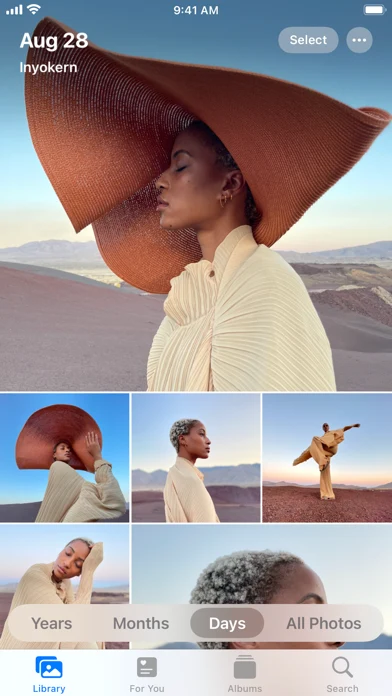
Developer-supplied App Store screenshot. Apple Photos organizes a dated photo library into browsable collections.
Create an album for progress photos, or use the locked Hidden album if you want those images out of the main library. Keep the original dates and save matching poses consistently. Local storage is limited by your device; iCloud storage has its own allowance and optional paid plans.
Useful for: saving and finding your photos without another fitness subscription. Limit: it has no dedicated physique score or guided before-and-after alignment workflow. You can export two images to the browser tool below when you want a comparison.
Can you start with AI-scored check-ins for free?
GainFrame: free scoring within check-in limits
Official site · US App Store · 4.89/5 from 62 ratings (September 21, 2026).
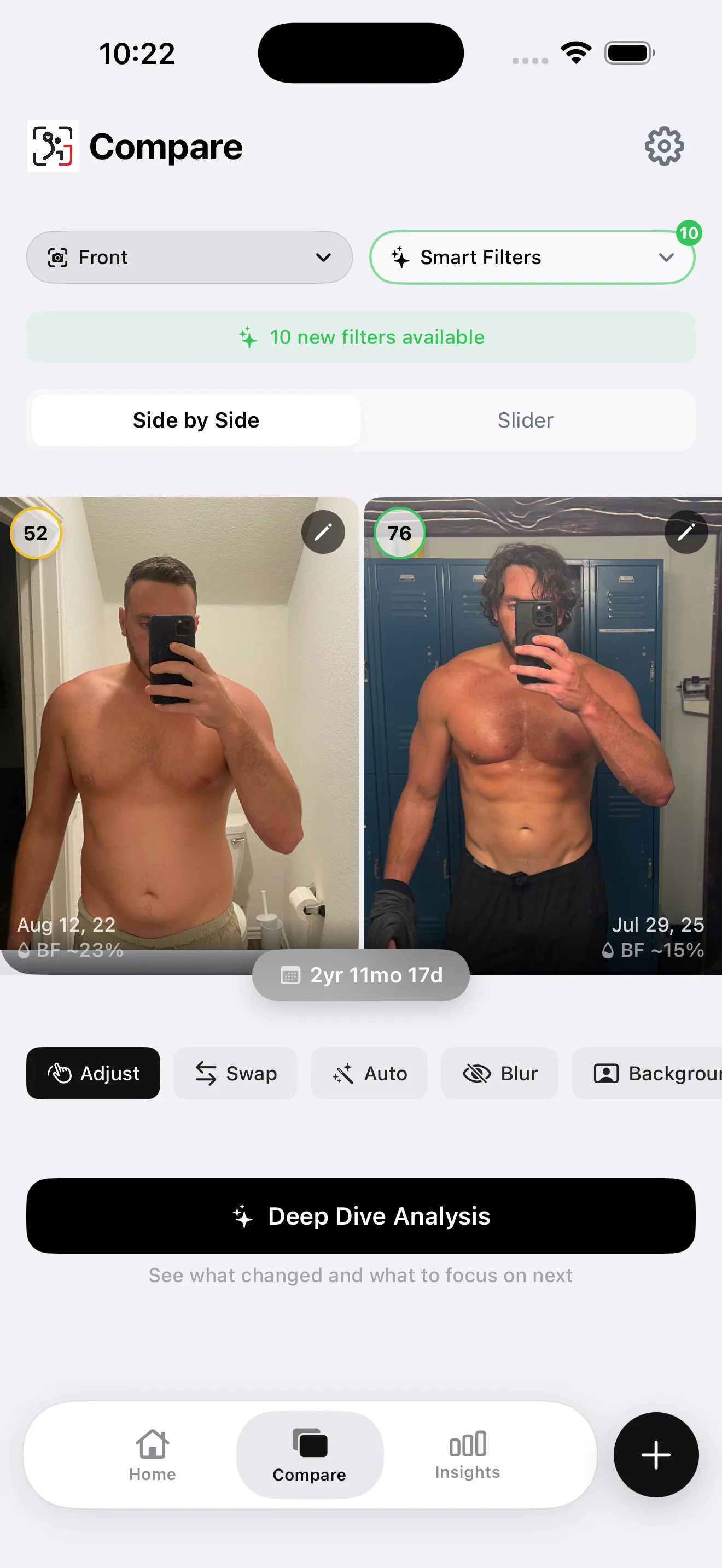
App screenshot from our library. The app keeps dated photos and estimated physique metrics together.
Automatic photo scoring is available within the app's free capture and import limits. Check the allowance shown in the app before importing a large collection.
Useful for: trying a dated, scored check-in before choosing whether advanced analysis is useful. Limit: Deep Dive reports, AI Compare and unlimited imports require Pro. Selected photos are sent for AI analysis; the photo library remains on your device.
What does SnapTrack still include free?
SnapTrack: basic capture with separately priced extras
Official site · US App Store · 3.40/5 from 45 ratings (September 21, 2026).
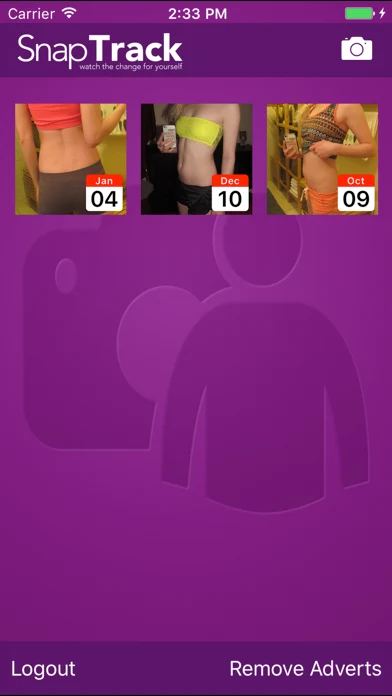
Developer-supplied App Store screenshot. SnapTrack shows a dated photo record in its older interface.
The current US listing still describes basic capture and measurements, including multiple photos per day. It explicitly sells existing-photo imports, the body-position overlay and sharing as in-app purchases. Calling all of those features free would be inaccurate.
Useful for: checking what is available in an existing installation. Limit: its last listed update is June 2017. We have not verified its behavior on current iOS, so Apple Photos is the simpler starting recommendation for a new free archive.
What changed for the other apps previously listed here?
Fit-Stitch is now a $4.99 US download, verified September 21, 2026. It belongs in a paid comparison. The former Shapez listing now appears as FormaTrack; its current public description lists subscription features without a clear free-feature boundary.
Snapsie remains listed free, with imports, overlay and comparison features advertised. Its latest listed update is August 2017, and we have not tested current compatibility. These older listings are reasons to verify a workflow before relying on it for your only photo archive.
How can you compare two photos completely free?
Use the browser tool to compare two progress photos free. Select two matching poses, adjust their scale and position, then switch between side-by-side, overlay and wipe views. You can blur faces and export a PNG.
The comparison happens locally in your browser. It does not require an account or create a permanent photo library, so keep your originals and save the export yourself. This is the direct next step when you already have photos and want to see them together.
When is a paid progress-photo app useful?
Pay when a specific feature solves a recurring problem: automatic imports, a larger check-in allowance, a reliable export workflow or deeper analysis. You can compare paid progress photo apps against those jobs.
Before choosing, check these five points:
- Can you import two old photos with the correct dates?
- Does your needed comparison mode work without payment?
- Can you retrieve the original photos later?
- Does an export add a watermark or require a purchase?
- Is the usage limit clear before you build your archive?
For another platform, see our Android progress photo app guide.
First, save your baseline photos. Second, make one comparison. Third, add a paid workflow only when you know which repeated task it will help you finish.
What else should you know?
What is the best free progress photo app?
Apple Photos is a practical starting point for a dated archive on iPhone, subject to your device and iCloud storage. A dedicated tracker can add free check-ins within usage limits. Choose based on the specific task you need, then verify imports and exports before moving your full library.
Can I compare progress photos for free without an app?
Yes. The browser comparison tool linked in this guide accepts two photos, lets you adjust their position and scale, and provides comparison views and PNG export. Processing stays in your browser. Keep your original files because the tool does not maintain a permanent library of your check-ins.
Does free AI physique scoring exist?
Yes. Some apps provide automatic photo scoring within a limited free allowance, and individual browser tools can offer limited assessments. Free access does not mean unlimited imports or advanced reports. Read the current allowance and distinguish a quick score from paid comparison analysis or a larger long-term library.
Are SnapTrack imports and overlays free?
The current SnapTrack US listing identifies importing existing photos and the body-position overlay as in-app purchases. It also lists sharing as a purchase. Basic capture and measurement records are advertised in the free app, but its last listed update was in 2017 and current compatibility was not tested here.
Is Fit-Stitch still a free progress photo app?
The US App Store lookup on September 21, 2026 listed Fit-Stitch at $4.99 to download. It therefore does not qualify as a free-download recommendation in this update. Storefront prices can change, so check the current listing in your region before deciding whether the app fits your budget.
Ready for AI body composition?
Free to start within usage limits. Pro unlocks advanced reports and expands access.
Download GainFrame